OCR a scanned PDF
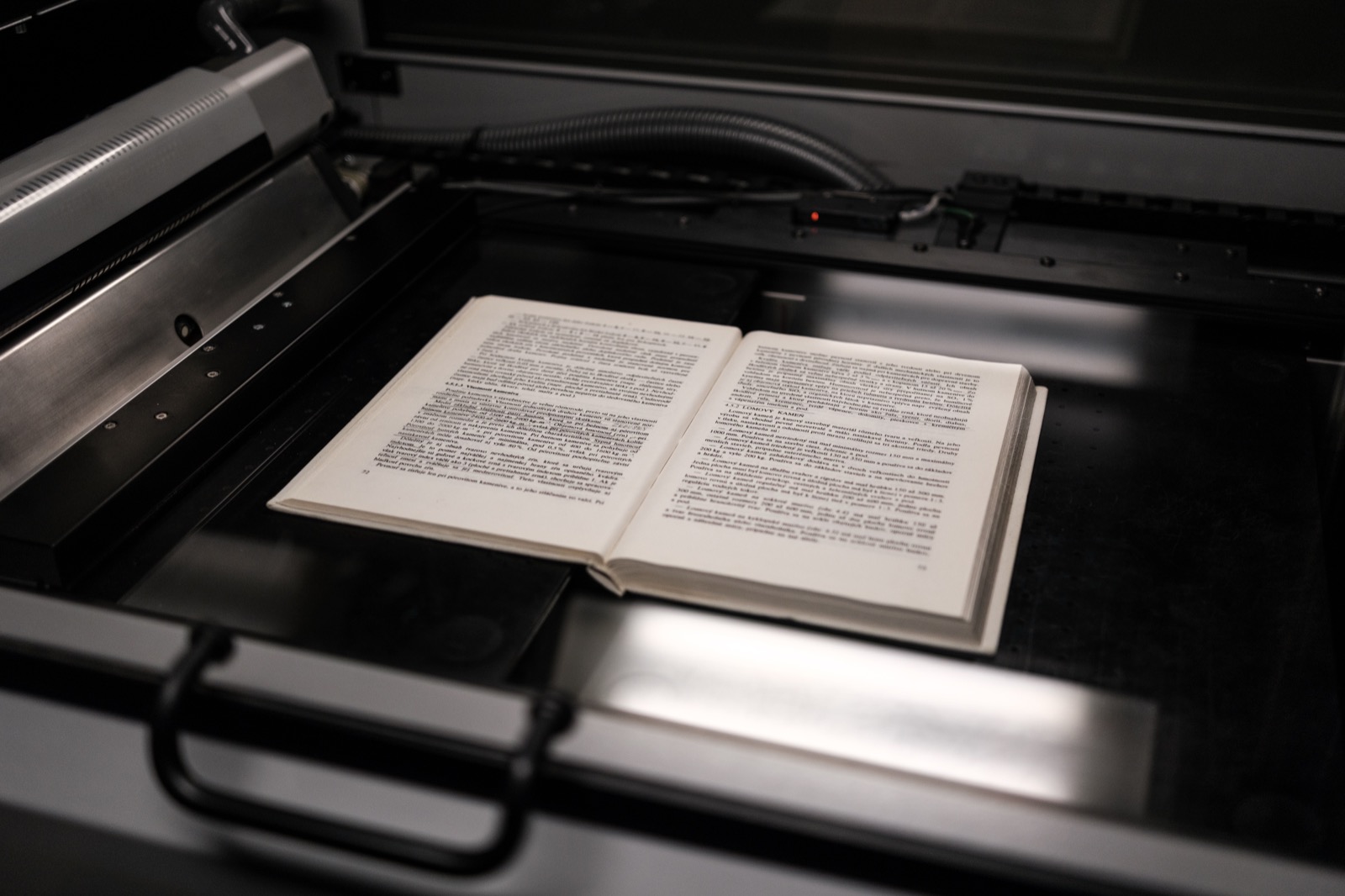
A PDF from a scanner or a photo is just an image: no word search, no copy-paste, no indexing in a document manager. OCR (optical character recognition) analyses each page and adds an invisible text layer aligned on the image — the document looks identical but becomes searchable. The Tesseract engine runs on your device: your scans — payslips, contracts, archives — are not sent to a recognition service. Use cases: digitize a binder to make it searchable, prepare a scan before text or table extraction. Once the text layer is in place, the whole ecosystem opens up: text extraction, Markdown conversion, semantic search, table detection. Five languages are supported — English, French, German, Spanish and Arabic — and you can combine them when a document mixes languages; the recognition models are served from this site’s own assets then cached on your device, so repeat runs start immediately. The produced PDF keeps the page image with the recognised text aligned underneath: the document reads exactly as before, but word search, selection and screen readers now work. A sharp, straight scan gives far better results than a blurry or skewed one.
FAQ
Which languages are recognized?
The major languages including English, French, Arabic and Spanish. Recognition quality depends on scan sharpness: a clean, straight document gives much better results.
Does the visual output change?
No. The text layer is invisible and overlaid on the page image, which stays strictly identical — only searching and copy-paste change.
Is the recognition perfect?
No — on blurry scans, handwriting or complex layouts, some errors remain. The recognized text is still searchable in the vast majority of cases.
Are my scanned documents sent for analysis?
No: the OCR engine runs locally in your browser. That is the key difference from online services that process your scans on their servers.
What can I do after OCR?
The document becomes usable: “Extract text”, “Convert to Markdown”, “PDF to Excel” for tables, or “Semantic search” to find passages by meaning.
Does OCR work offline?
Yes — once the page is loaded, recognition runs entirely on your device, with no network access.
How long does recognition take?
A few seconds per page on average depending on density — a long document may take a few minutes; local processing avoids any server queue.
Is Arabic text copied from the produced PDF faithful?
The Arabic text layer is written in visual order: search works, but copied text may appear in reversed order — a known limitation of the engine.
Can I OCR a document mixing several languages?
Yes — select every language present (for example English and French); the engine recognises them in a single pass. Restricting the choice to the real languages improves accuracy.
What are the file limits?
One PDF up to 50 MB and 1,000 pages. Recognition costs a few seconds per page, so a long binder can take several minutes — progress is shown page by page.
Why did a table or multi-column page come out garbled?
The engine reads lines of text, not layout logic: tight multi-column pages and complex tables may reorder some blocks in the text layer. The page visual is unchanged — only the hidden text is affected.
Does OCR make the file heavier?
The added text layer is light; the page images stay at their original resolution. For a smaller result, run “Compress PDF” after recognition.
Will the invisible text print?
No — the layer sits beneath the page image and never shows on screen or paper: it only feeds search, selection and screen readers.
How to proceed
- Drop your scanned PDF into the upload area
- Run OCR recognition — every page is analysed
- Download the searchable PDF, visually identical
- Test a word search in the produced PDF to validate the text layer