Print multiple PDF pages per sheet (2-up, 4-up, n-up)
Group several PDF pages onto a single sheet to save paper — n-up layout in the browser, no upload.
Published on 4 min readby Hamza El Hajjaji
This page contains affiliate links: we may earn a commission if you use them, at no extra cost to you. This does not influence our recommendations. As an Amazon Associate, we earn from qualifying purchases.
Table of contents
One sheet, several pages
Reviewing a long document, handing out course materials, archiving reference boards: placing 2 or 4 pages per sheet divides the paper volume without losing content. It’s also a handy format for annotating a compact version of a report.
2 pages/sheet — reading stays comfortable for regular text.
4 pages/sheet — good compromise for slides or airy documents.
6 to 9 pages/sheet — contact sheets, global overview, quick review; text gets small.
Mind readability
N-up physically shrinks each page: a dense document in small type becomes unreadable at 4-up. Prefer it for presentations, airy pages, or as an overview before full-format printing.
Going further
The imposed document can then be scaled to the exact paper format or compressed before sending — still in the browser.
Application portals, visa files, supporting documents: how to get a PDF under 500 KB with target-size compression — and what to do when the limit is honestly unreachable.
"Maximum file size: 1 MB" is the most common upload threshold. How to get a PDF under it with target-size compression — in the browser, no upload — and what to do when 1 MB is honestly too small.
A portal demands "one single PDF under 2 MB"? Merging does not compress — here is the right merge-then-compress sequence to stay under the cap, and the honest exits when 2 MB is not enough.
October 30, 2026·7 min read
Read article→
This blog shows ads to fund the service. They only load with your consent — no trackers without it.

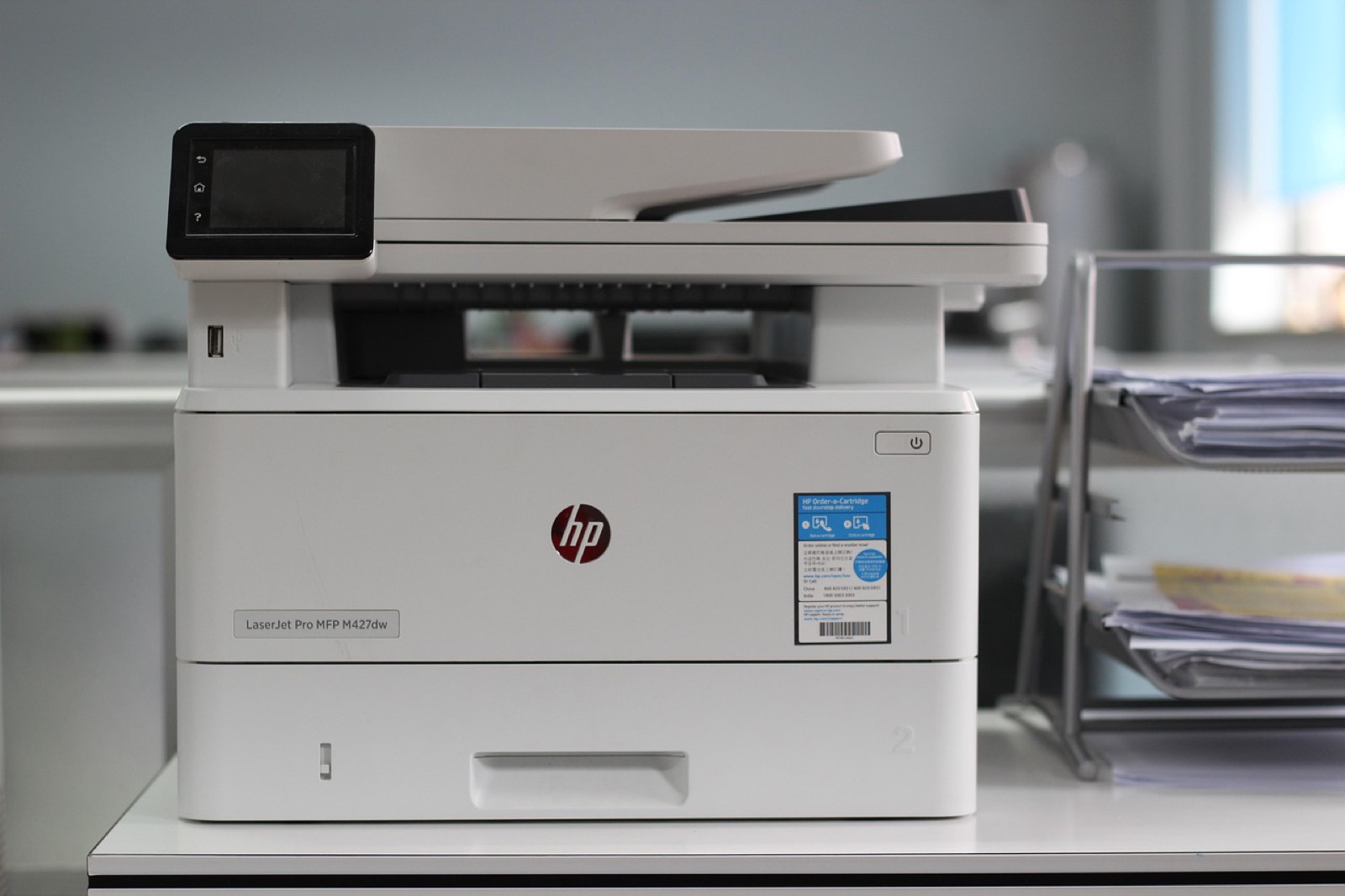
 Brother HL-L2400DWE — duplex laserAutomatic duplex and wifi; high-capacity toner keeps cost per page low.affiliate
 Brother MFC-L2800DW — 4-in-1 laserPrints, scans, copies in duplex: one device for the admin desk.affiliate
 Navigator Universal — 5-ream A4 boxConsistent 80 gsm paper by the box; laser and inkjet compatible.affiliate
 Brother TN-2411 — original black tonerGenuine ~1,200-page cartridge for the recommended Brother lasers.affiliate