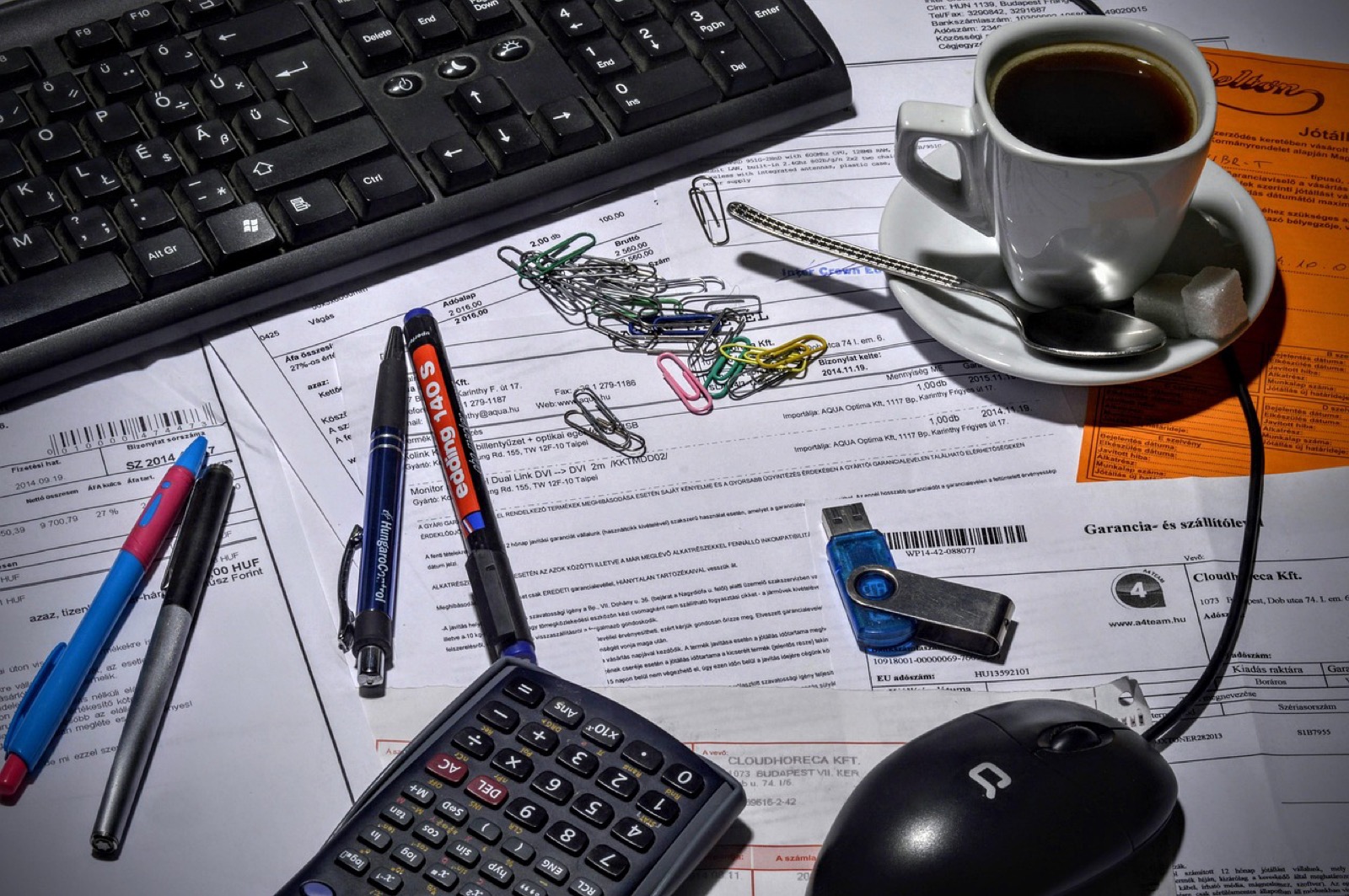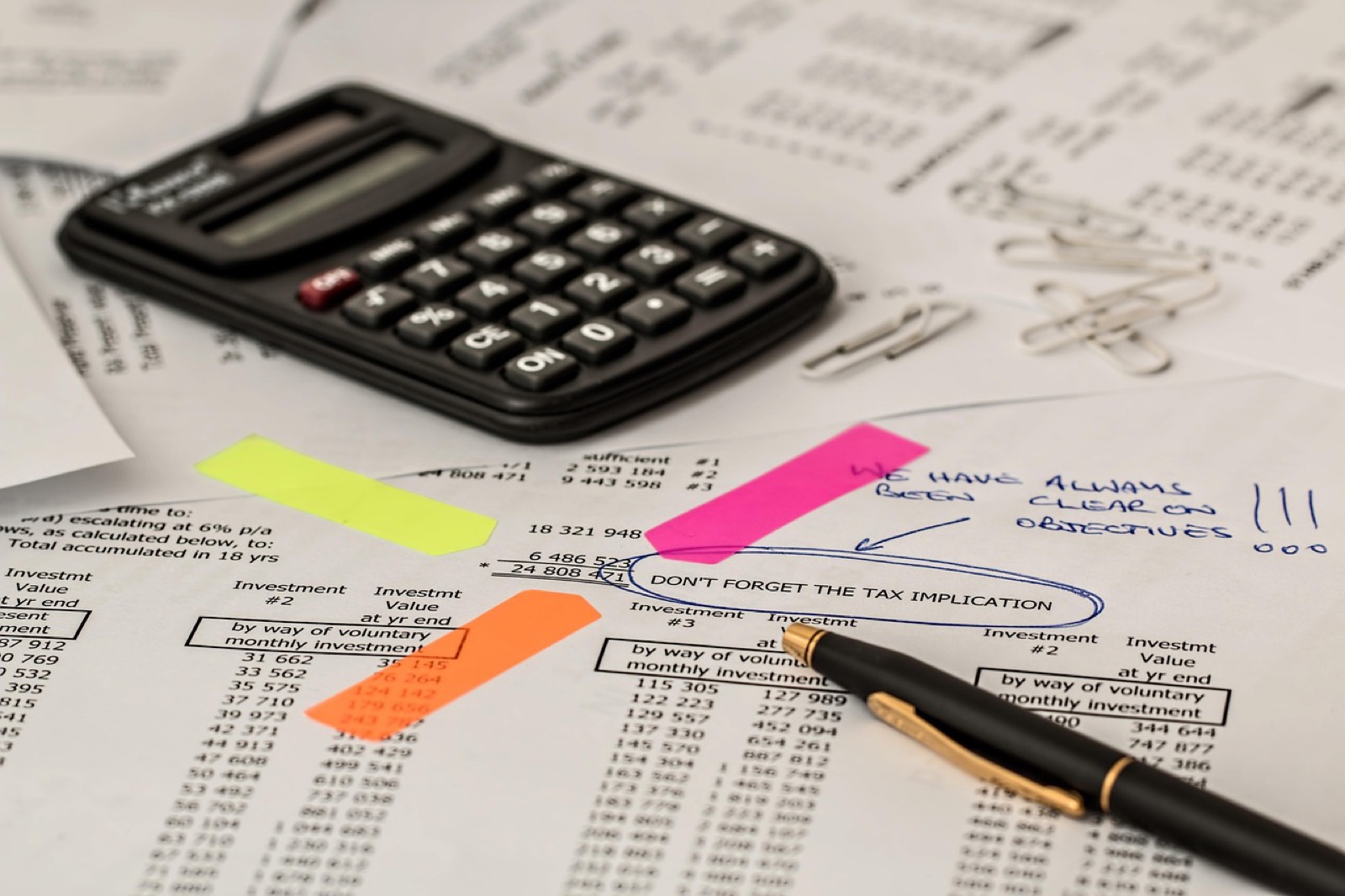
A tax package to split before filing, twelve bank statements to turn into a spreadsheet, a bundle of supporting documents to assemble for an auditor: in an accounting firm, the PDF is the container for everything — and everything it contains is client data. Converting a bank statement to Excel on an online service takes thirty seconds; it is also thirty seconds during which IBANs and a transaction history live on a third-party server. Document Flare does the same work in your browser: the file never leaves the workstation.
Why uploading a client document is already a problem
French chartered accountants are bound by professional secrecy — the profession’s code of conduct (decree n° 2012-432 of March 30, 2012) states it, and Article 226-13 of the criminal code punishes breaches. A balance sheet, a payslip or a tax package dropped on a conversion service is a covered document handed to a third party.
GDPR adds a precise layer: a service that processes personal data on the firm’s behalf becomes a processor within the meaning of Article 28. That requires a processing agreement (DPA), a line in the records, and — if the provider hosts outside the European Union — transfer safeguards. Free tools do not sign DPAs — and even with a DPA, the client’s file has left the firm.
The moment this shortcut tempts most is the rush: closings, tax-package season, VAT deadlines, when twenty files are waiting and “drop your file here” looks like a time saver. That is exactly where discipline matters. And unlike a privacy policy, local processing can be verified: the protocol in our five-minute network test lets you check, in the Network tab, that no request carries the document.
 Fellowes 6M — P-4 micro-cutP-4 micro-cut: right for ID documents and financial papers.affiliate
The firm’s workflow, without any document leaving the workstation
Assemble a file or isolate a tax package
The merge tool assembles 2 to 20 files (50 MB total): supporting documents, appendices, letters. Conversely, the extraction tool produces a new PDF limited to the chosen pages — up to 1,000 pages, in the entered order — to pull a single return out of a complete package. The organize tool reorders, rotates or deletes pages via thumbnails when a scan mixes them up.
Compress to fit portal upload caps
Filing portals cap attachments, often at a few megabytes per file or per submission — on some impots.gouv.fr forms, the displayed limit is 10 MB for all attachments combined. The compression tool offers three levels (light 150 dpi, balanced 120 dpi, strong 96 dpi) and, by default, a smart strategy: text pages stay vector-based and selectable, only image-dominated pages are rasterized — with the text layer reapplied when it exists.
Bank statements to Excel
The firm’s most frequent use case is also the most sensitive: getting transactions out of a statement for reconciliation or data entry. The PDF to Excel tool detects tables — vector ruling lines or text alignments — and exports to CSV or .xlsx workbook, one table per page. Two honest caveats: amounts arrive as text (to convert in the spreadsheet), and a scanned statement without a text layer first needs the local OCR (Tesseract, five languages, 100 pages maximum). The full walkthrough is in the article bank statement PDF to Excel.
Factur-X: read the invoices you receive
Since September 2026, every French company must be able to receive electronic invoices, and firms collect many of them. A Factur-X is a PDF/A-3 with an embedded XML file: the attachment-unpacking tool extracts all embedded content into a ZIP — including the factur-x.xml, ready for your accounting software. Note: Document Flare reads received Factur-X files; it does not produce them. The full guide: verify a Factur-X e-invoice.
Redact before handing over to a third party
Auditor, lawyer, court-appointed expert: some documents leave the firm and their non-relevant personal data must disappear. The redaction tool locally detects nine data types — IBAN (mod-97 check), social security numbers, bank cards (verified by Luhn), SIREN, SIRET, e-mails, phone numbers, dates of birth and IPv4 addresses — and accepts free keywords for names or case references. Censored pages are rasterized: the text beneath the zones is no longer extractable, unlike a black rectangle drawn on top. Details in the article on redacting personal data.
Process files in batches
At the end of an engagement, repetitive operations dominate: compressing fifteen files, protecting twenty payslips, extracting the same pages across a series of statements. Batch mode applies one operation to 1–20 files (200 MB per batch): compression, rotation, extraction, page deletion or reordering, password protection and repair. A corrupted file fails alone, without stopping the batch — and there is no task counter: the limit is your workstation’s memory, not a subscription quota.
What local processing guarantees — and doesn’t
The guarantee is narrow and verifiable: no network request carries your document. No server retaining the file, no processor to contractualize for that manipulation, no retention window to hope is honored. On the DPA question specifically, our article PDFs with no processor details why Article 28 stops applying at that step.
The rest remains on you. A compromised workstation, a nosy browser extension, an open session: local processing removes the server from the equation, not the security of the firm’s environment. And it is not a certification — local removes a transfer, not your responsibility as data controller. For the full framework, see GDPR and local PDF processing.
Honest limits
- Technical bounds: 50 MB and 1,000 pages per file, 20 files or 200 MB per batch, 100 pages for OCR — memory bounds, re-runnable at will.
- No Factur-X production and no rich Office conversion (faithful PDF → Word): those capabilities exist in the catalog in
REMOTE_OPTIONALmode, served as simulation and excluded from the public release — they are not part of the “no upload” promise. - Assisted, not infallible, PII detection: the nine types are deterministic patterns; proper names and addresses fall under keyword redaction, to be reviewed page by page.
- Throughput depends on the workstation: a 900-page package compresses more slowly on an old laptop than on a server farm — that is the price of zero transfer.
Disclaimer
This article describes a tool and a workflow; it constitutes neither legal advice nor an analysis of your obligations — the code of conduct of the French Order of Chartered Accountants and your internal GDPR policy take precedence. The entire catalog works on the same principle, presented in our article on PDF tools without uploads: you can verify the traffic yourself rather than take our word for it.
And for paper originals?
Fellowes 6M — P-4 micro-cutP-4 micro-cut: right for ID documents and financial papers.affiliate
 Fellowes 60Cs — 10-sheet shredderTen sheets per pass and a 22 L bin: sized for regular office use.affiliate
 Seagate Expansion — 2 TB external HDDTwo terabytes on a budget: mass archiving without a subscription.affiliate