
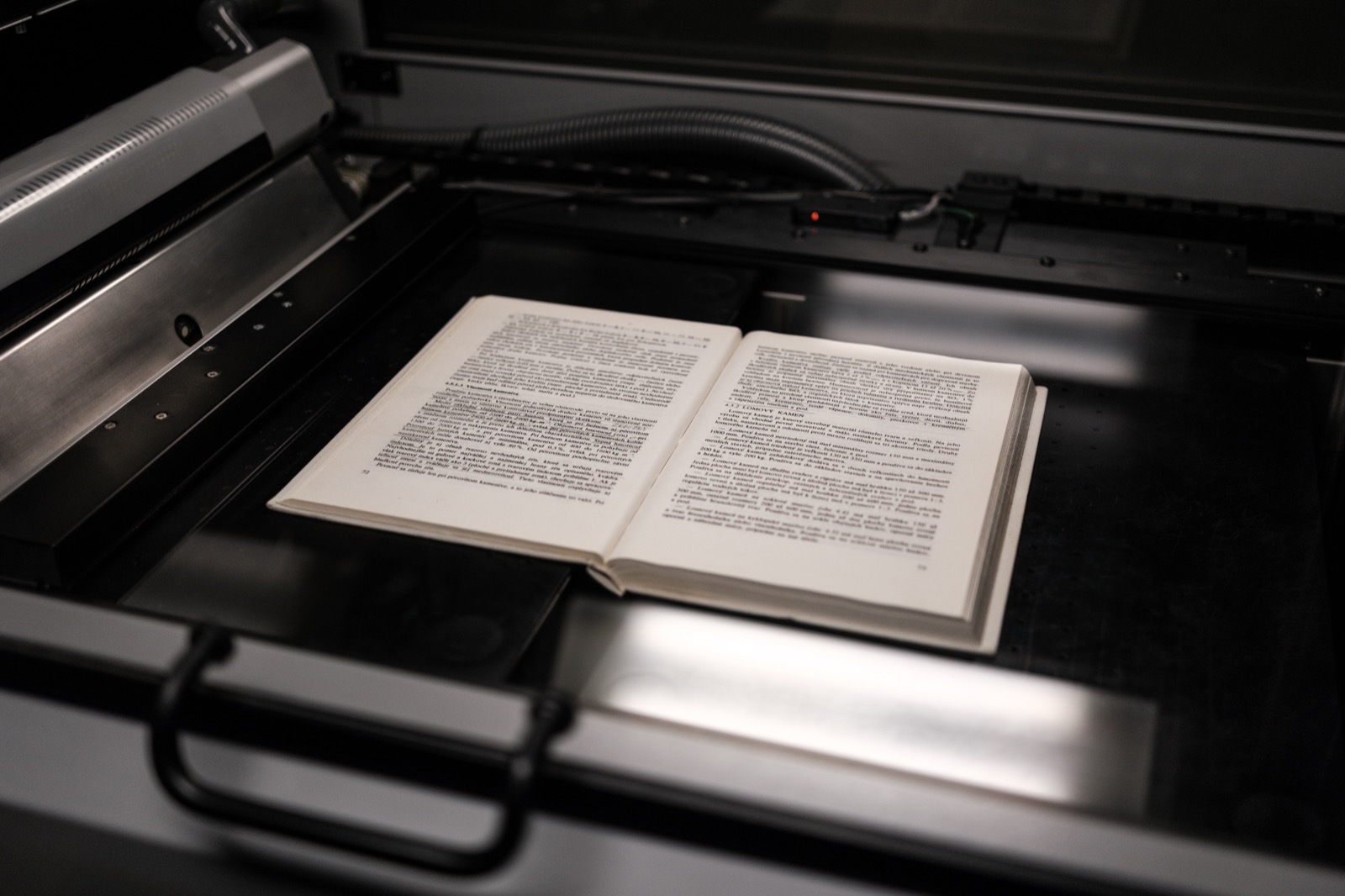
You receive a scanned letter: a decree, a payslip, an old invoice. It is technically a PDF, but it only holds an image — you cannot search for a name, copy an amount or index the document. The usual reflex is to send the file to an online OCR service — at iLovePDF, OCR is even gated behind the paid tier. This tool does the same job without the document leaving your browser, and hands you two deliverables: the raw text and a searchable PDF.
What the tool does, concretely
Document Flare’s PDF OCR renders each page as an image, feeds it to the Tesseract engine compiled to WebAssembly and returns two files:
- a
.txtcontaining the recognized text page by page; - a
-ocr.pdfwhere each page image gets an invisible text layer: the rendering looks identical, but the document becomes searchable, selectable and indexable.
Processing happens in your browser: neither the file, its content nor the extracted text transits through a server. The models are self-hosted under /tesseract/ and served same-origin — no external CDN to allow. The Tesseract worker, the WASM core and the language files stay out of the initial bundle: they only load when you open the tool.
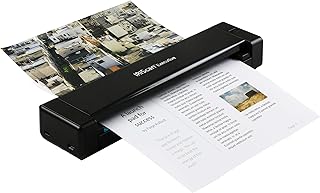 IRIScan Executive 4 Pro — duplex + OCRDuplex and built-in OCR for larger volumes.affiliate
When to use it
- Scanned PDF without a text layer: a document produced by a scanner or a phone camera, showing page images with no selectable text.
- A document to make searchable: keep the
-ocr.pdffor archiving or full-text search in your usual reader. - A quick check before further processing: extract text by pages, split a PDF by keyword or copy passages elsewhere.
If the PDF already contains native text, the tool warns you: OCR would be redundant and less reliable than direct extraction.
Step by step
- Pick the language(s). Check the languages present in the document. French and English are preselected.
- Let the tool detect the text layer. If the PDF already holds text, a prompt lets you force OCR or cancel.
- Run the recognition. Each page is rendered at scale 2 (roughly 144 dpi) then analyzed by Tesseract. Progress shows page by page, with an average confidence score at the end.
- Collect the results. The text appears in a copyable area. Two downloads are offered: the
.txtand the searchable-ocr.pdf.
The five available languages
The interface offers five languages: French, English, German, Spanish and Arabic. You can select several, but for a multilingual document, favor the dominant one — Tesseract performs better with a well-targeted model than with an uncertain combination. The invisible text layer is generated by Tesseract itself, which preserves Arabic shaping.
First model download
On the first run, the browser downloads the selected language models (.traineddata.gz files), which Tesseract.js then caches in IndexedDB. The initial download takes a few seconds depending on your connection and the number of languages; subsequent runs are much faster. Launched offline with no cache, OCR returns an error: the models are not yet available locally.
Honest limits
- The
.txtdoes not preserve layout. Columns, tables and images are not restituted in the raw text. The searchable PDF keeps the page images intact — the text layer sits on top without reflowing the document. - Free tier caps. One file, 50 MB maximum, 100 pages maximum. Beyond that, the tool processes the first 100 pages and says so explicitly; an optional 7-day pass lifts the cap.
- Partial output possible. If a page cannot be merged into the final PDF, it is missing from the
-ocr.pdf(the.txtstays complete) — the panel counts and displays the missing pages. - Quality depends on the scan. A blurry, distorted or skewed document produces more errors. You can straighten the scan first.
- Offline without cache fails. The first run needs a connection to fetch the models.
- Handwriting is not recognized. Tesseract is built for print; handwritten forms and signatures will not be read reliably.
- Existing text layer. Forcing OCR on a PDF that already has text can introduce errors where native extraction would be exact.
Possible chains
A good scan is often prepared before OCR:
- Scan a document to PDF with your camera, no upload.
- Straighten a skewed scanned PDF to fix a slight tilt.
- Extract text from a PDF if the document already has a text layer.
And if the underlying question is “should this document really go to an online service”, our comparison of a local alternative to iLovePDF details what changes when the file never leaves.
Scanning hardware
IRIScan Executive 4 Pro — duplex + OCRDuplex and built-in OCR for larger volumes.affiliate
 Brother DS-640 — portable scannerThe classic portable document scanner.affiliate
 Epson WorkForce ES-50 — mobile scannerThe lightest option when travelling.affiliate


